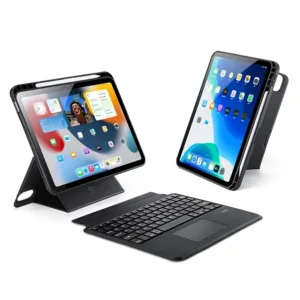
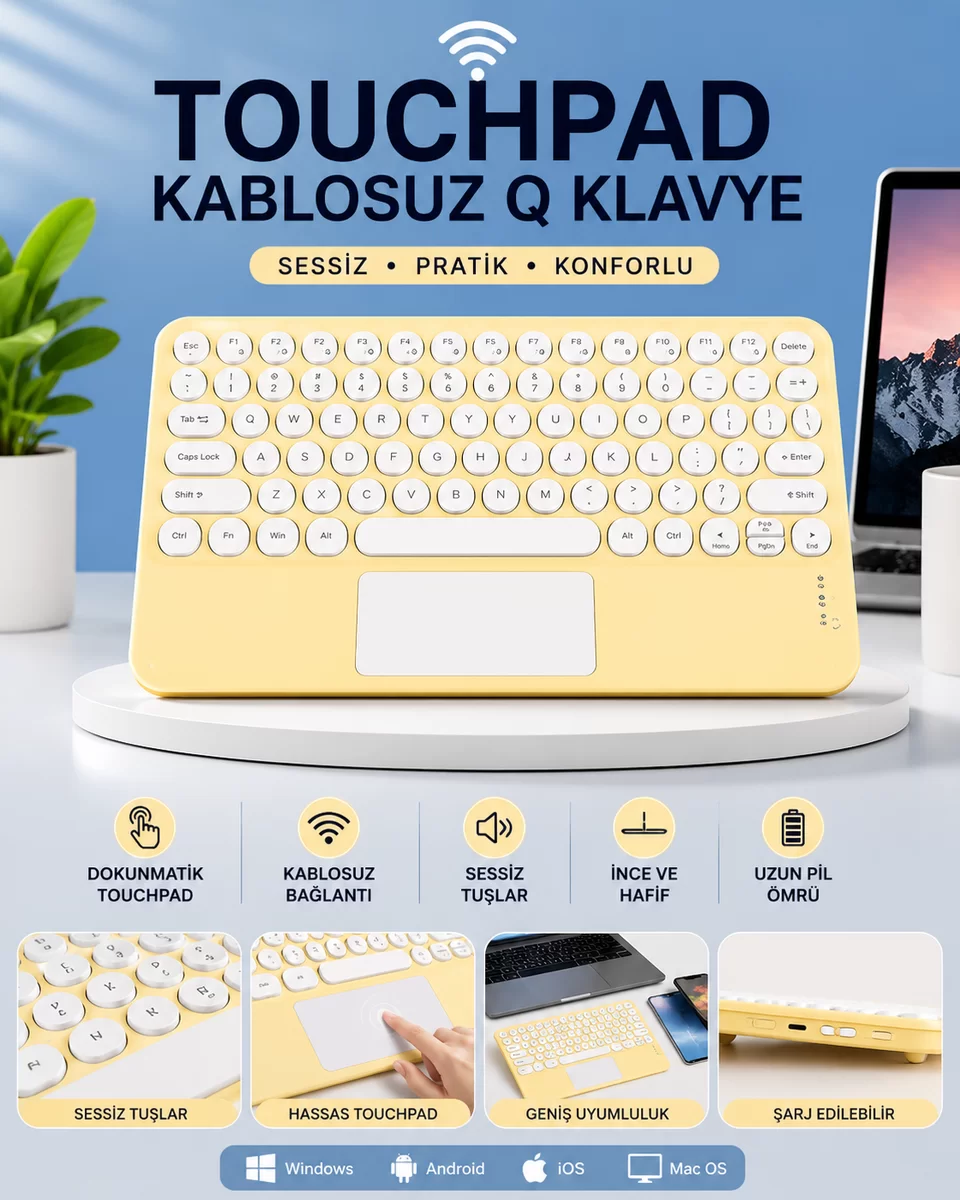
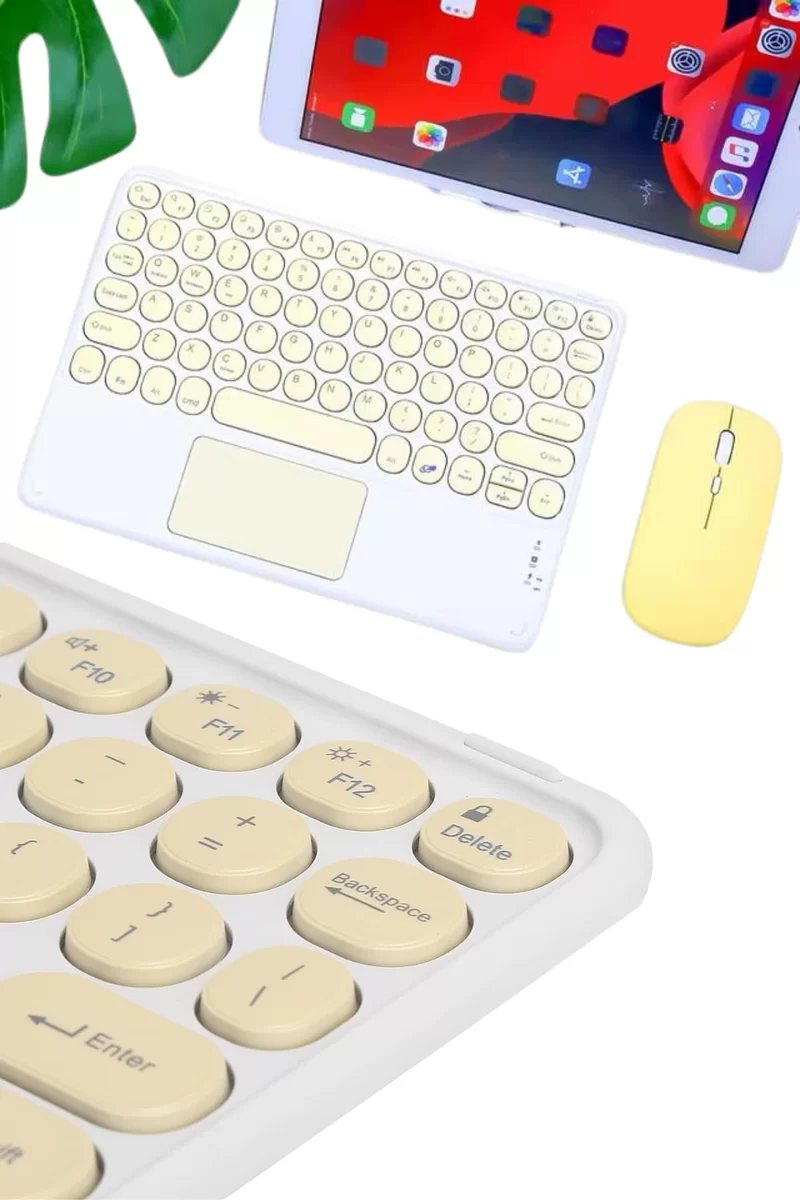
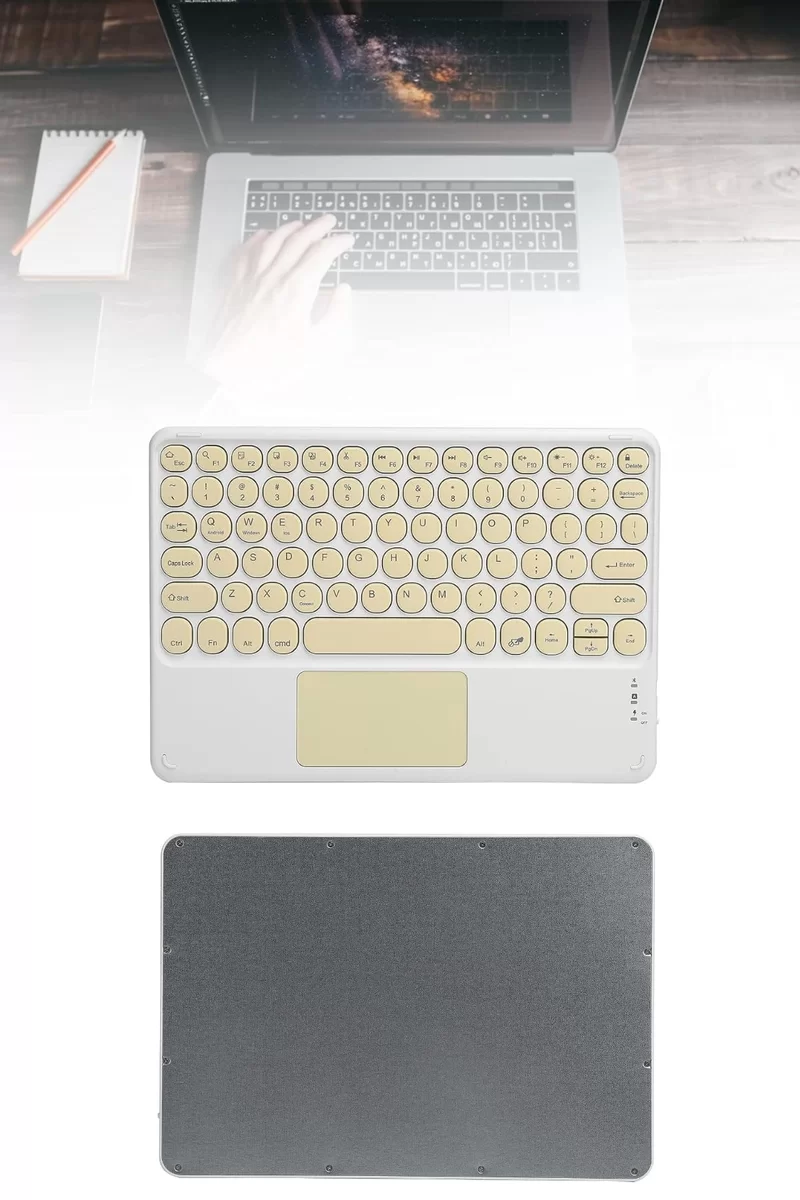
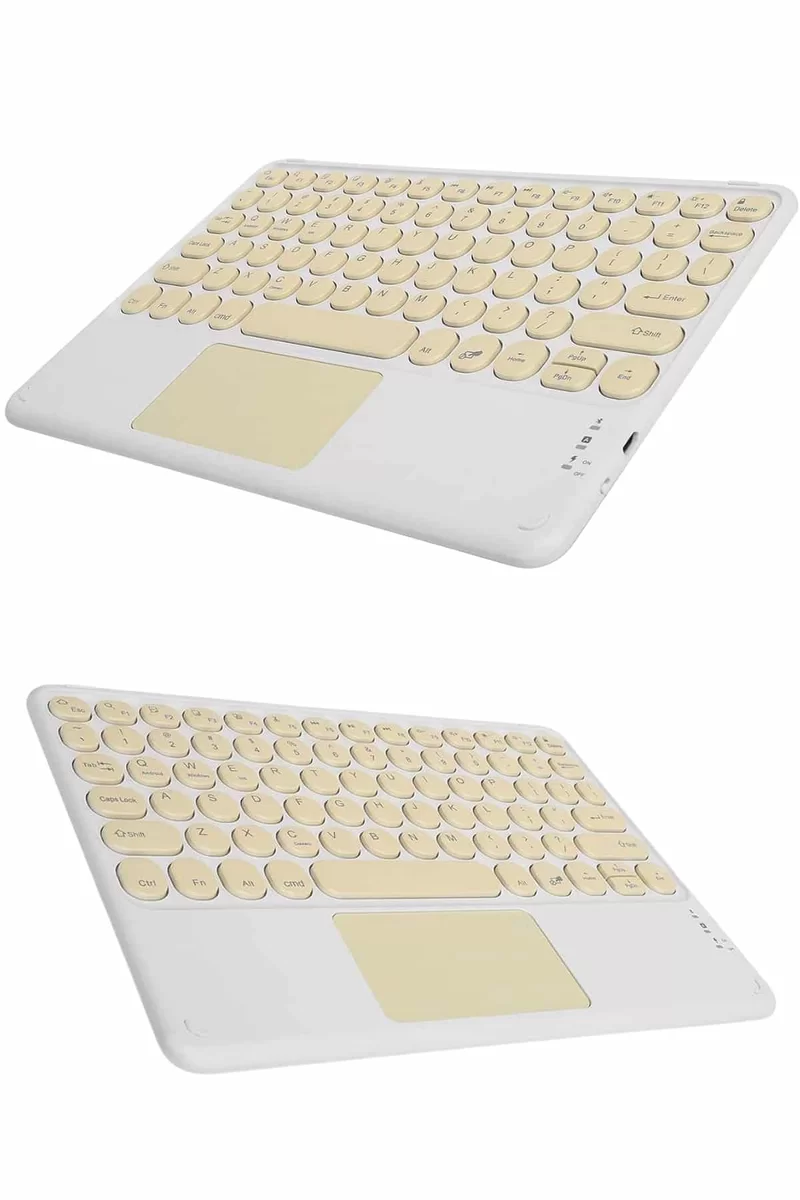
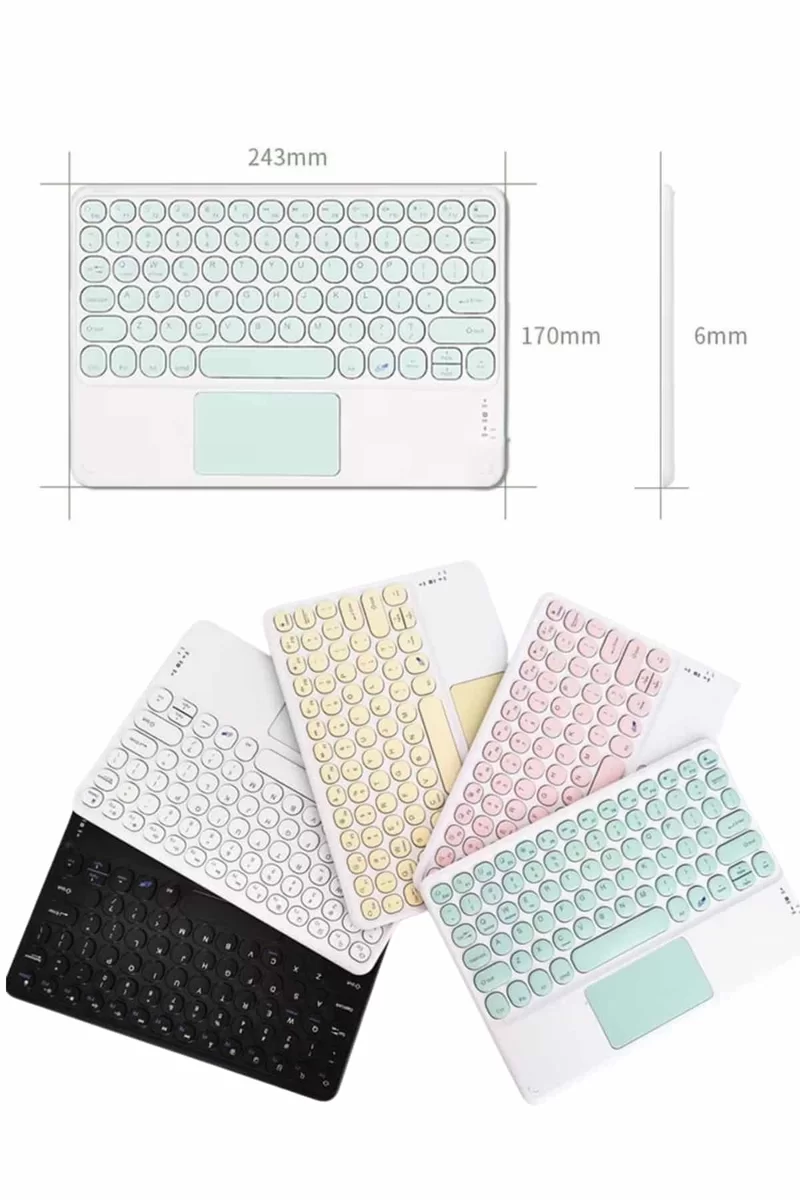
To easily connect your wireless keyboard, follow these steps:1️⃣ Turn on the Bluetooth feature on your device.2️⃣ Put the Bluetooth keyboard in the ON position.3️⃣ Press and hold the Fn key, and press the C key (Connect).4️⃣ Your tablet or phone will see the name “Bluetooth Keyboard,” complete the pairing.5️⃣ Once connected, your device will automatically recognize the keyboard. With these simple steps, you can use your device like a computer, freeing yourself from the limitations of a touchscreen and typing much faster.
Frequently Asked Questions
Who is the Northcity Touchpad Bluetooth keyboard suitable for and what does it do?
This keyboard allows users who use tablets and phones like computers to type much faster, freeing them from the limitations of touch screens. With free shipping and the Northcity guarantee, you can get yours quickly.
Which devices are compatible with the keyboard, and how is it connected?
To ensure compatibility with all devices that support Bluetooth and Wi-Fi, you can pair them by holding down the Fn key and pressing the letter C. After pairing, your device will automatically recognize the keyboard as a 'Bluetooth Keyboard'. There is a 14-day unconditional return guarantee.
What are some practical tips for daily use and maintenance of the keyboard?
Before using, please turn on the keyboard and check your Bluetooth settings. With its slim design, the product is portable and convenient to use. Those who place orders before 4:00 PM on weekdays can receive their shipments on the same day.