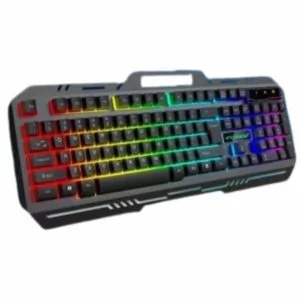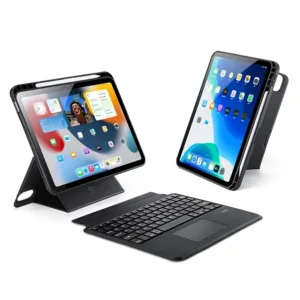
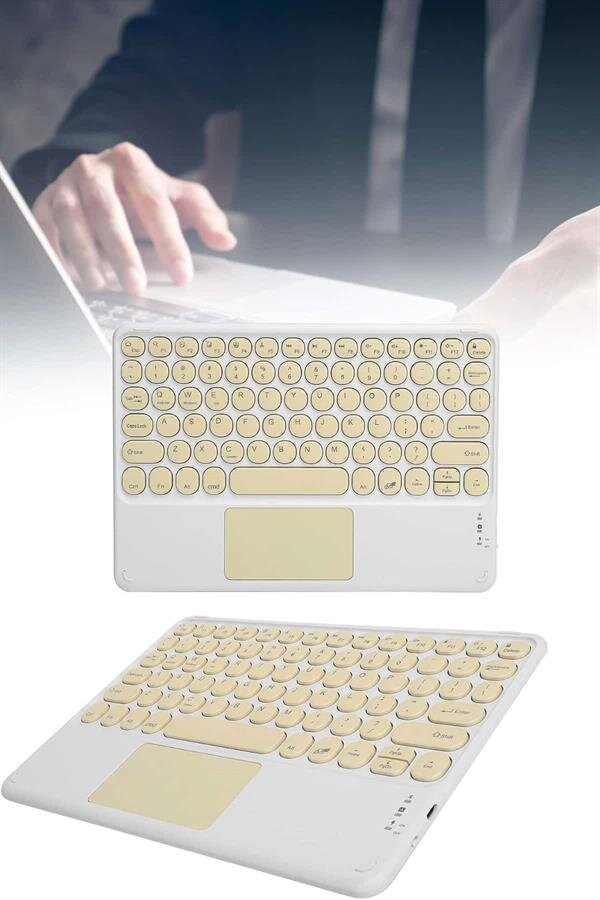
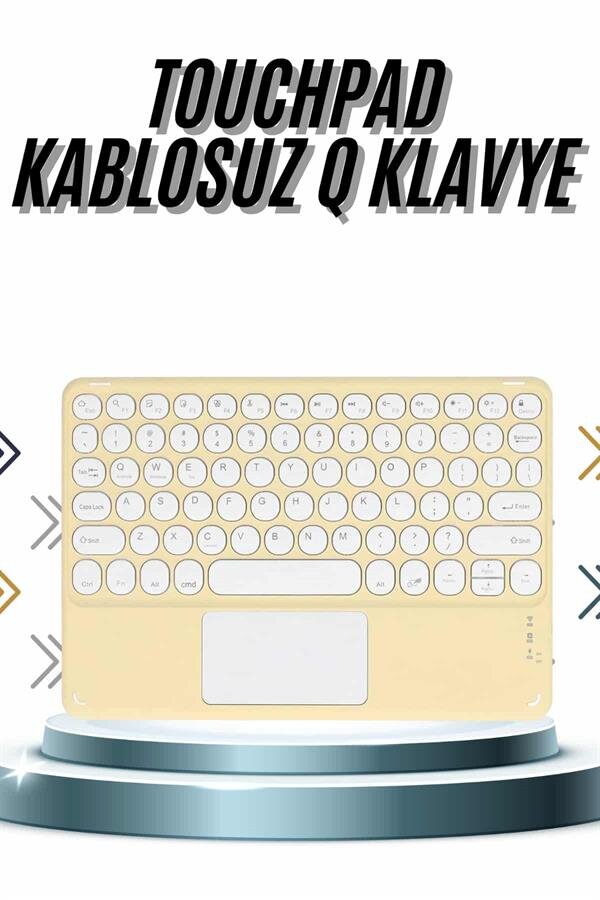
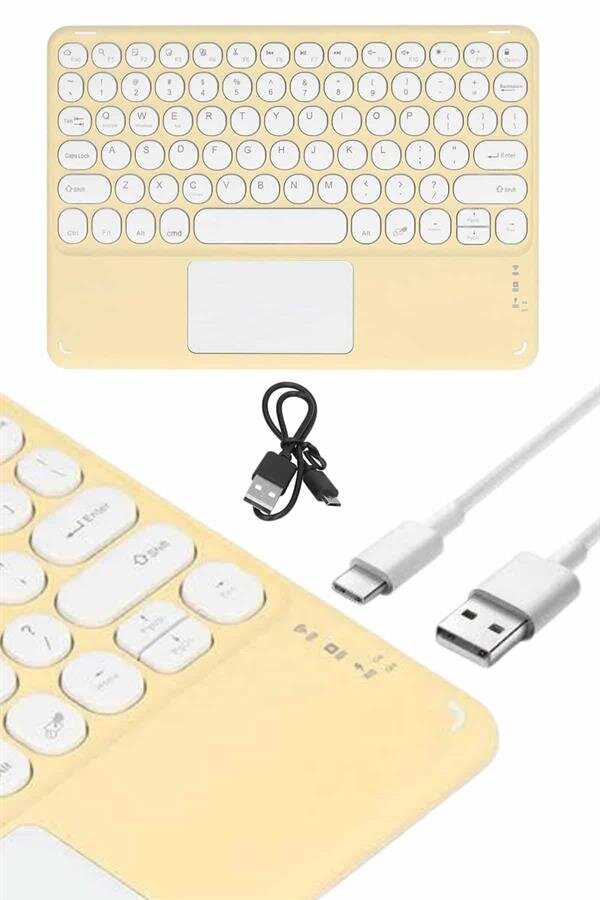
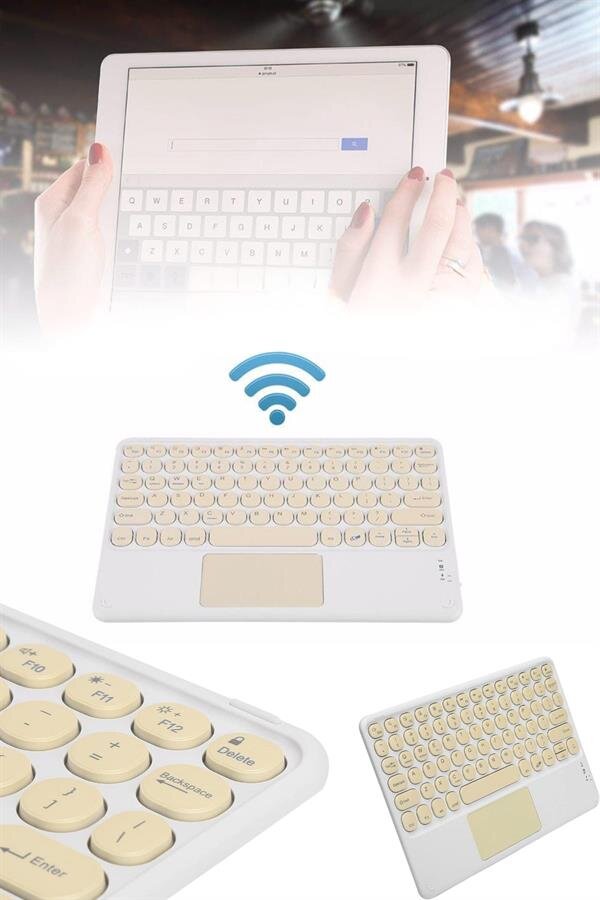
To easily connect your wireless keyboard, follow these steps:1️⃣ Turn on the Bluetooth feature on your device.2️⃣ Put the Bluetooth keyboard in the ON position.3️⃣ Press and hold the Fn key, and press the C key (Connect).4️⃣ Your tablet or phone will see the name “Bluetooth Keyboard,” complete the pairing.5️⃣ Once connected, your device will automatically recognize the keyboard. With these simple steps, you can use your device like a computer, freeing yourself from the limitations of a touchscreen and typing much faster.
Frequently Asked Questions
Which keyboards are suitable for whom and what are they used for?
It is ideal for those who want to use mobile devices like a computer. The touch screen exceeds its limitations, enabling fast typing. It's a practical option for increased efficiency on tablets and phones.
What devices is the keyboard compatible with and how does it connect?
It works with Android and iOS devices. Turn on Bluetooth and set the keyboard to ON, then pair it with ‘Bluetooth Keyboard’ by pressing Fn+C. The original product comes with free shipping under Northcity guarantee.
How should I store the keyboard after use?
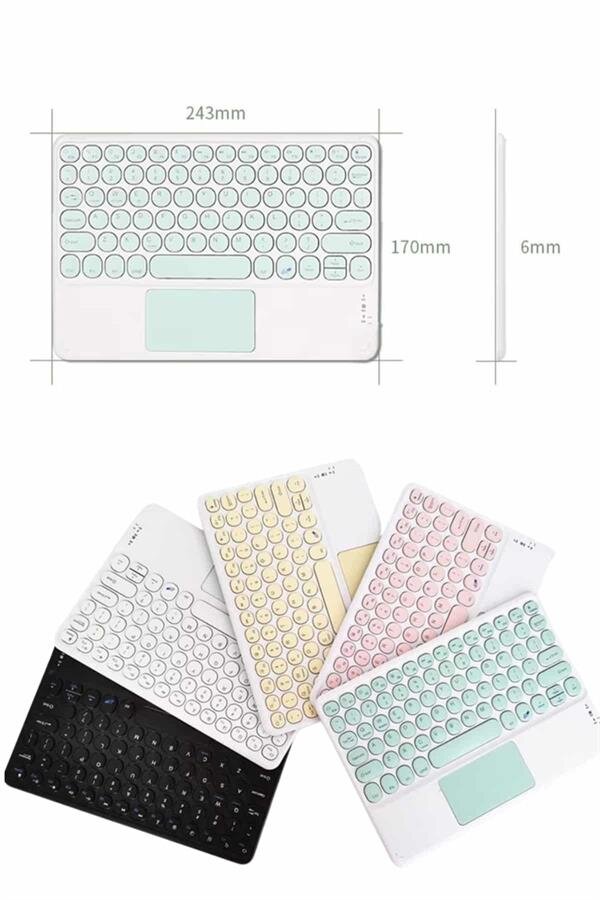
After disconnecting the connection, set the keyboard to OFF mode. If you won’t use it for a long time, keep it turned off to save battery life. Its slim design allows it to fit easily in your carrying bag.