🚚 Delivery Across Turkey Only | Free Express Courier (1–3 Days) | 💳 Billed in TRY • Approx. USD/EUR Shown

Northcity Ally iPhone-Android Wireless Carplay 5GHz Adapter Converter -Youtube Netflix Tiktok Video Mirroring-(5775)

₺4.091,98 ~ $82.17 / €73.33

Out of stock

SKU: AHS7534042594 Category: Brand:
🚚
Domestic Delivery Across Turkey Only

Free fast express delivery directly to your hotel, residence, or address within 1–3 business days.

💳
Pay Securely in TRY (Turkish Lira)

International Visa, Mastercard & Amex accepted via iyzico 3D Secure. Your issuing bank converts automatically at current exchange rates.

🔄
14-Day Hassle-Free Returns

100% money-back guarantee with free courier return pickup anywhere in Turkey.

Northcity

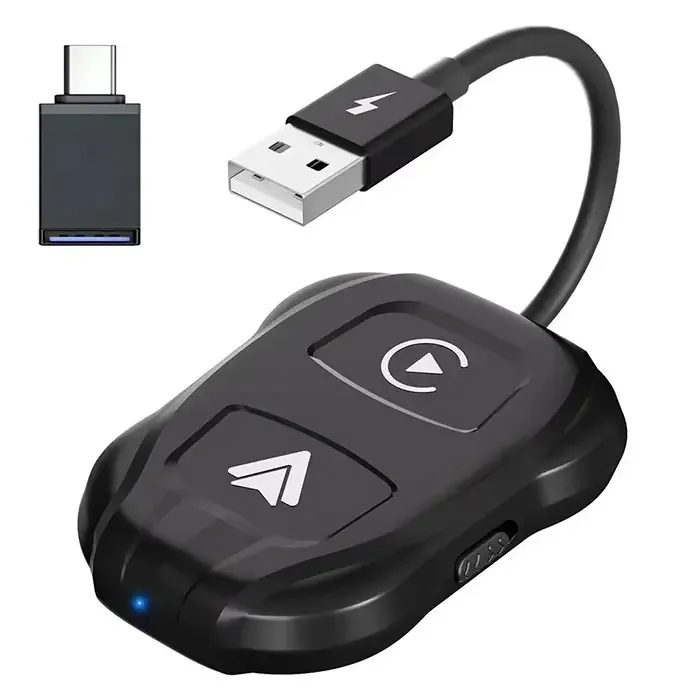
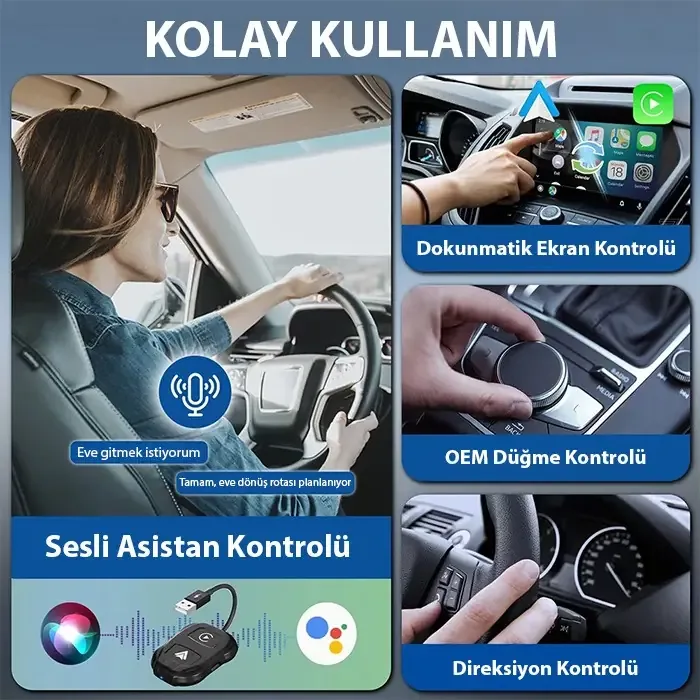
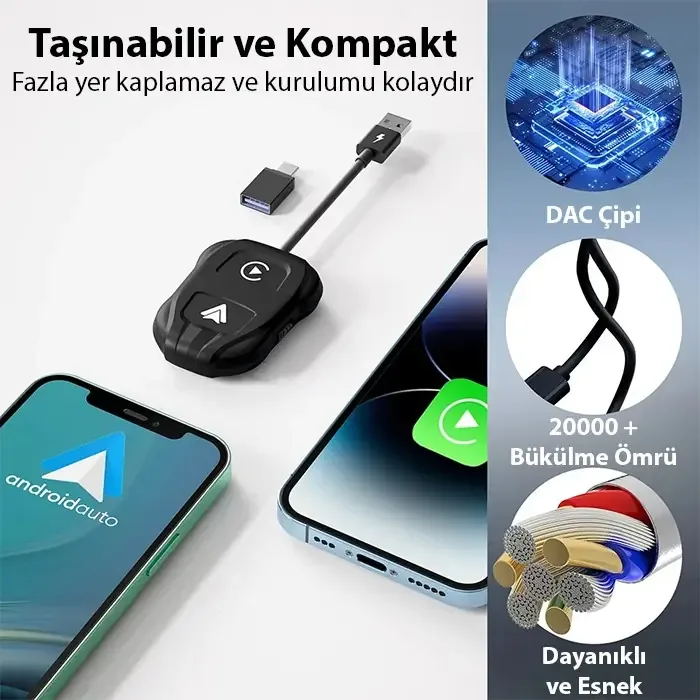
Ally iPhone-Android Wireless Carplay 5GHz Adapter Converter – Youtube Netflix Tiktok Video Mirroring
Product color: black
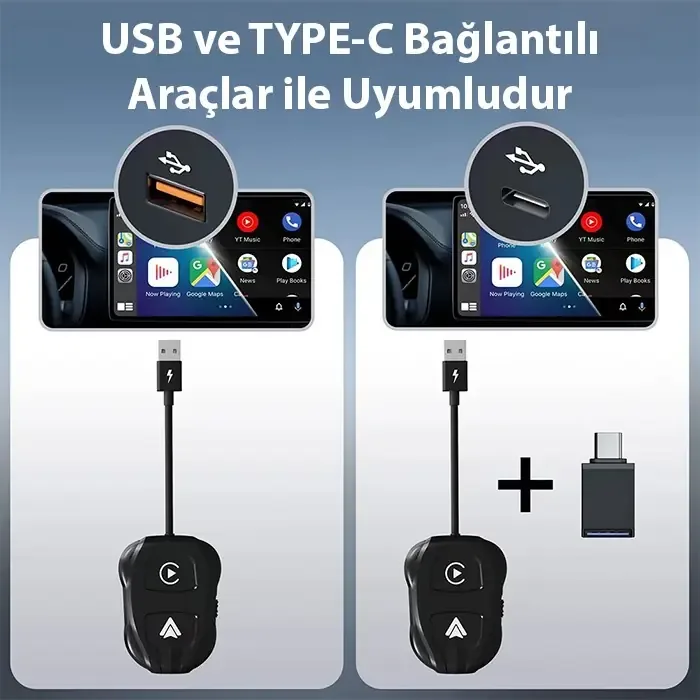
Interface Type: USB + USB C
Power input: 5V 1-2.1A
Power output: DC 5V 1-2.1A
Product power consumption: 0.25W
WIFI: 2.4Ghz + 5GHz WIFI
Bluetooth-compatible version: Bluetooth-compatible 5.0
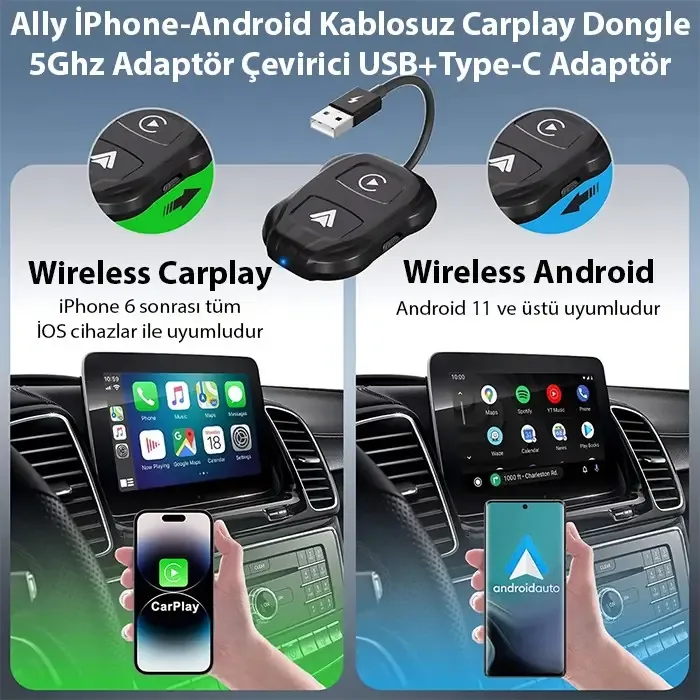
Supported mobile phones: Devices running iOS 12 and above – Android 11 and above
Product Size: 135x65x1.2mm/5.31×2.56×0.47inch
Product weight: 50g
How to connect:
Step 1: Set the adapter key to Carplay or Auto. Connect the wireless adapter to the USB port or the C-type connector on the vehicle head unit.
Step 2: Turn on the Bluetooth compatible and Wifi functions, and turn on your phone at the same time. Search for the Bluetooth compatible signal with the name “smartbox-xxxx” and confirm the permission request on your phone.
Step 3: Proceed to your vehicle screen to automatically enter the Android Auto or CarPlay page.
Connection questions and answers:
What is the password to connect to WiFi?
What we need to connect is Bluetooth, not WiFi. No password is required to connect with Bluetooth. Make sure your WiFi is turned on and not in use when pairing.

✔ Shipping: Free shipping on all orders (no minimum limit). ✔ Same Day Shipping: Orders placed before 4:00 PM on weekdays are shipped the same day. ✔ 14 Days Unconditional Return: If you are not satisfied, we guarantee unconditional return and exchange within 14 days.

Frequently Asked Questions

Which phones and screens are compatible with the Northcity Ally adapter?
The product supports iOS 12 and above, and Android 11 and above devices. It is designed for use in vehicles with CarPlay or Android Auto displays. With Northcity's guarantee, the original product will be delivered to your doorstep with free shipping.
What are the technical specifications of the adapter and how is it connected?
The device is 135x65x12 mm in size and weighs 50 g. It is powered by USB or USB-C ports and uses 5.0 Bluetooth and 2.4G/5GHz Wi-Fi. To set it up, first plug the adapter into the interface and match the name 'smartbox-xxxx' from the Bluetooth settings on your phone.
What are the practical points to keep in mind when connecting wirelessly?
During the connection, the Wi-Fi on your phone must be turned off, and no active Wi-Fi network should be used. Pairing via Bluetooth does not require a password. If you order before 4 p.m. on weekdays, you can exchange it with 14 days unconditional return guarantee, delivered to your door the same day.

Questions About This Product

Browse technical details, usage and delivery questions, or ask us directly.

✍️ Ask a Question
💬

No questions asked about this product yet.

Be the first to ask using the form below!

🔒

Please log in to ask a question

Only registered customers can submit product questions for a quality community experience.

Scroll to Top