Northcity
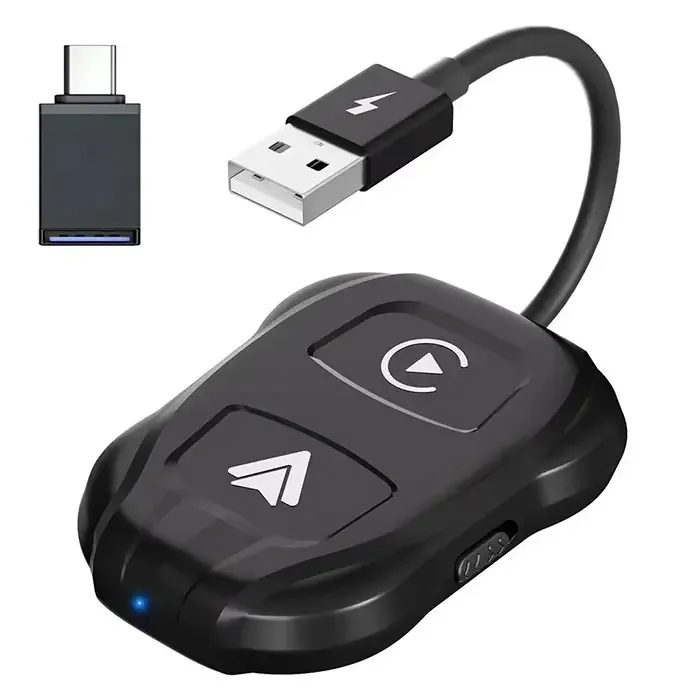
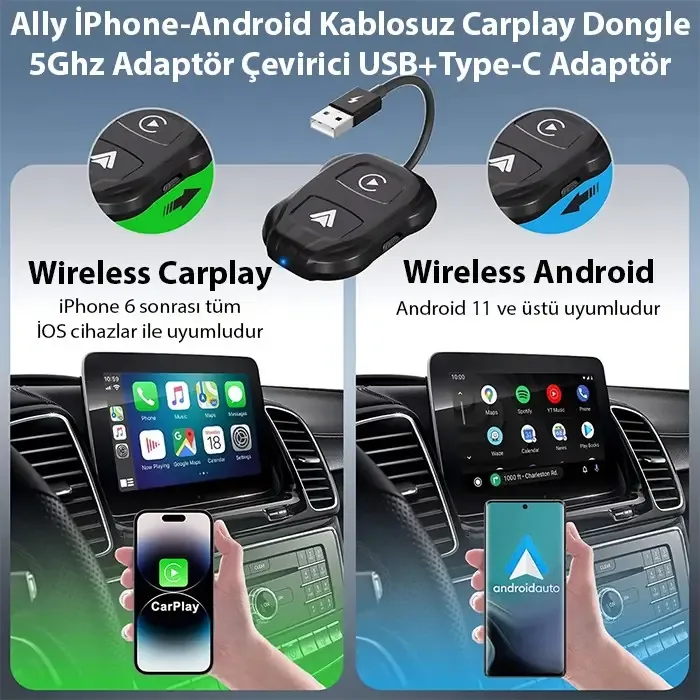
Ally iPhone-Android Wireless Carplay 5GHz Adapter Converter – Youtube Netflix Tiktok Video Mirroring
Product color: black
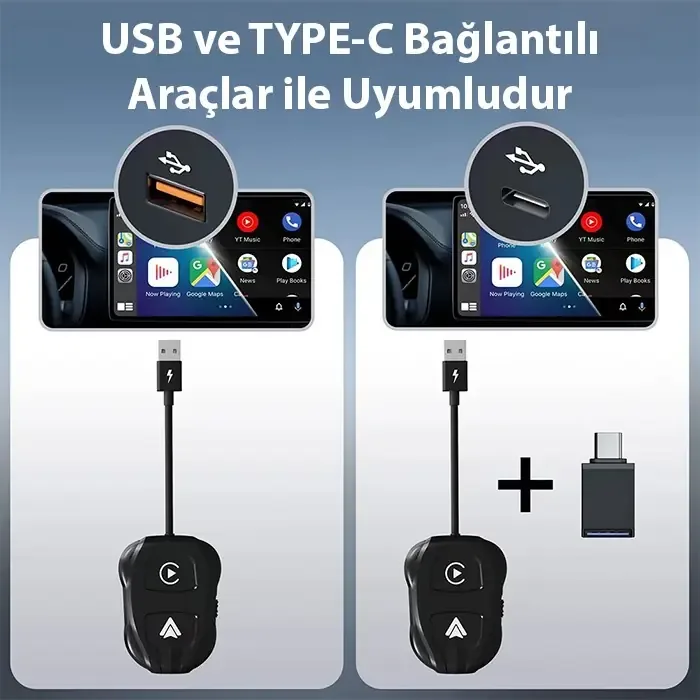
Interface Type: USB + USB C
Power input: 5V 1-2.1A
Power output: DC 5V 1-2.1A
Product power consumption: 0.25W
WIFI: 2.4Ghz + 5GHz WIFI
Bluetooth-compatible version: Bluetooth-compatible 5.0
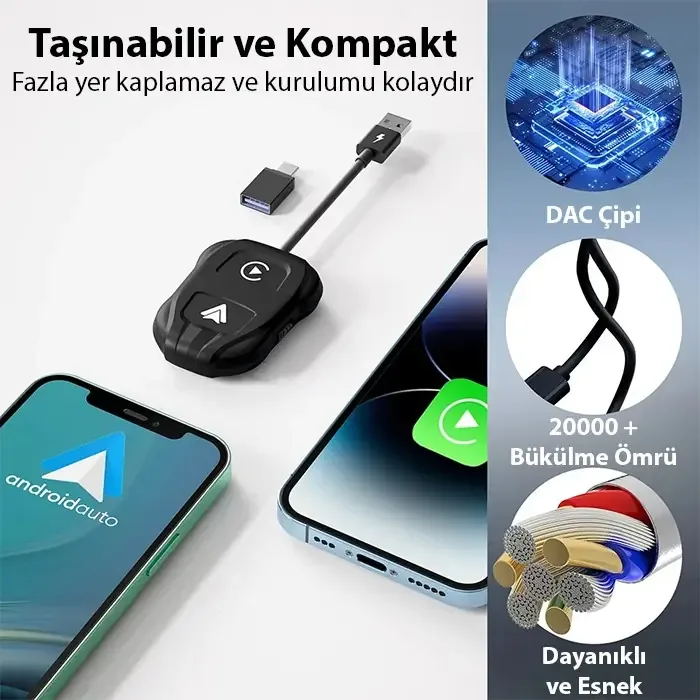
Supported mobile phones: Devices running iOS 12 and above – Android 11 and above
Product Size: 135x65x1.2mm/5.31×2.56×0.47inch
Product weight: 50g
How to connect:
Step 1: Set the adapter key to Carplay or Auto. Connect the wireless adapter to the USB port or the C-type connector on the vehicle head unit.
Step 2: Turn on the Bluetooth compatible and Wifi functions, and turn on your phone at the same time. Search for the Bluetooth compatible signal with the name “smartbox-xxxx” and confirm the permission request on your phone.
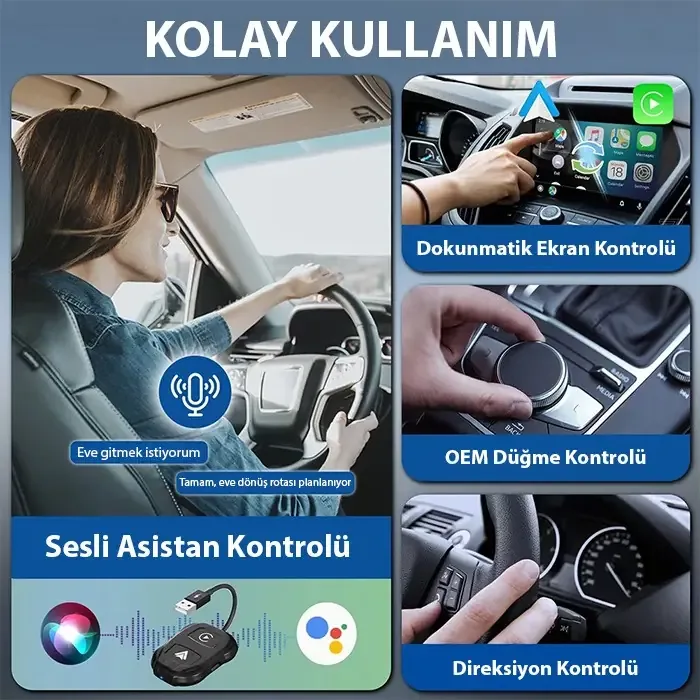
Step 3: Proceed to your vehicle screen to automatically enter the Android Auto or CarPlay page.
Connection questions and answers:
What is the password to connect to WiFi?
What we need to connect is Bluetooth, not WiFi. No password is required to connect with Bluetooth. Make sure your WiFi is turned on and not in use when pairing.
✔ Shipping: Free shipping on all orders (no minimum limit). ✔ Same Day Shipping: Orders placed before 4:00 PM on weekdays are shipped the same day. ✔ 14 Days Unconditional Return: If you are not satisfied, we guarantee unconditional return and exchange within 14 days.