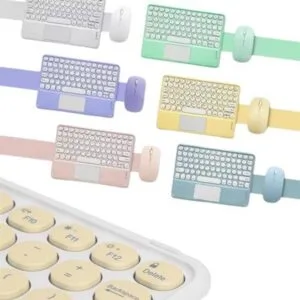
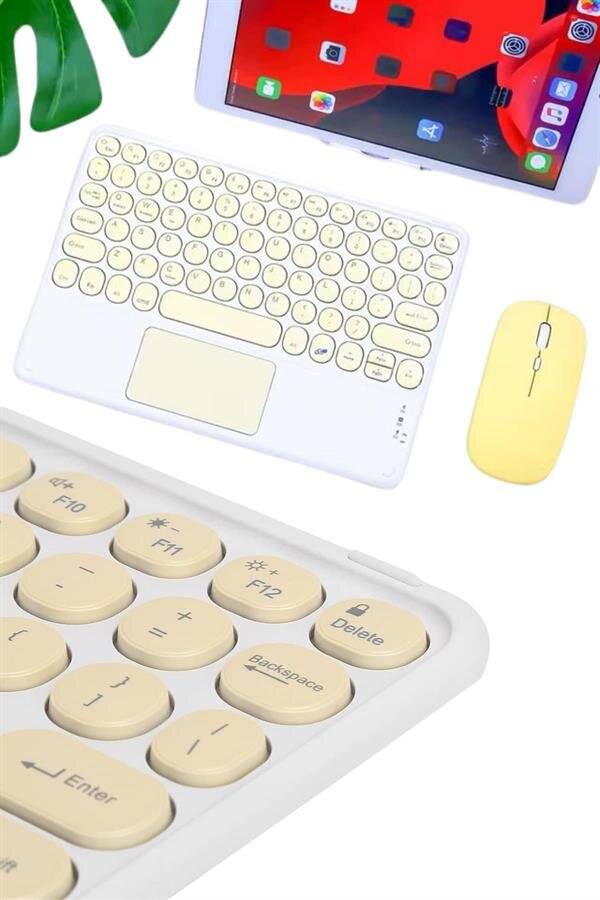
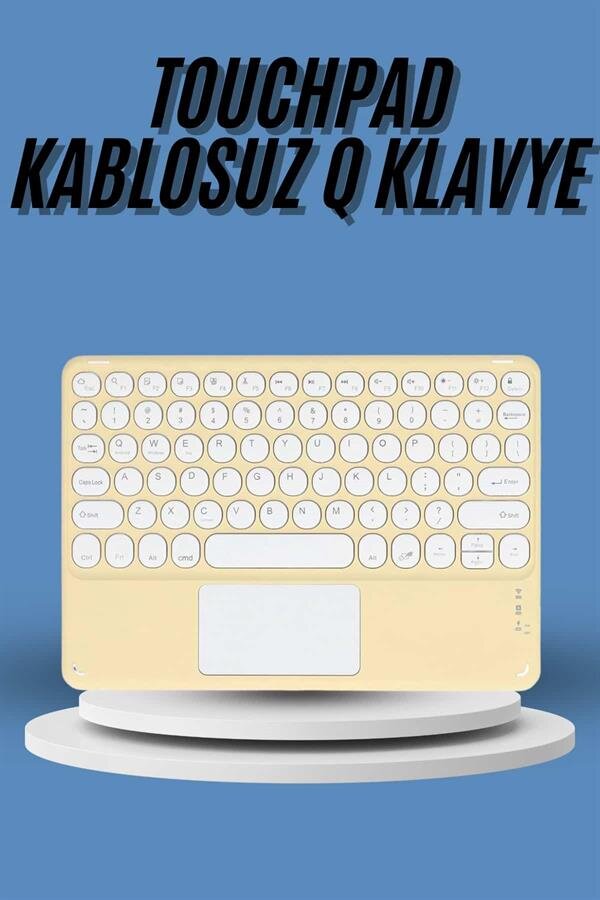
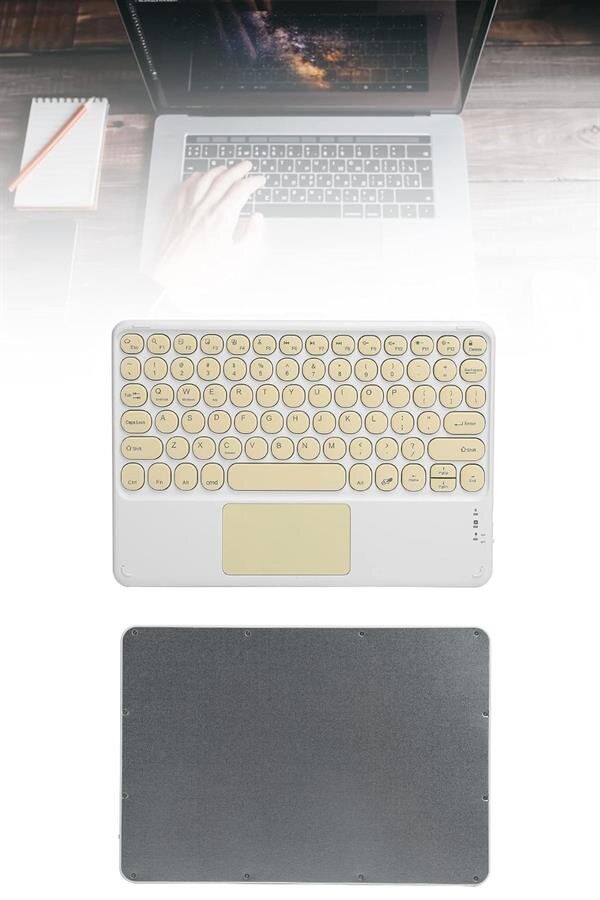
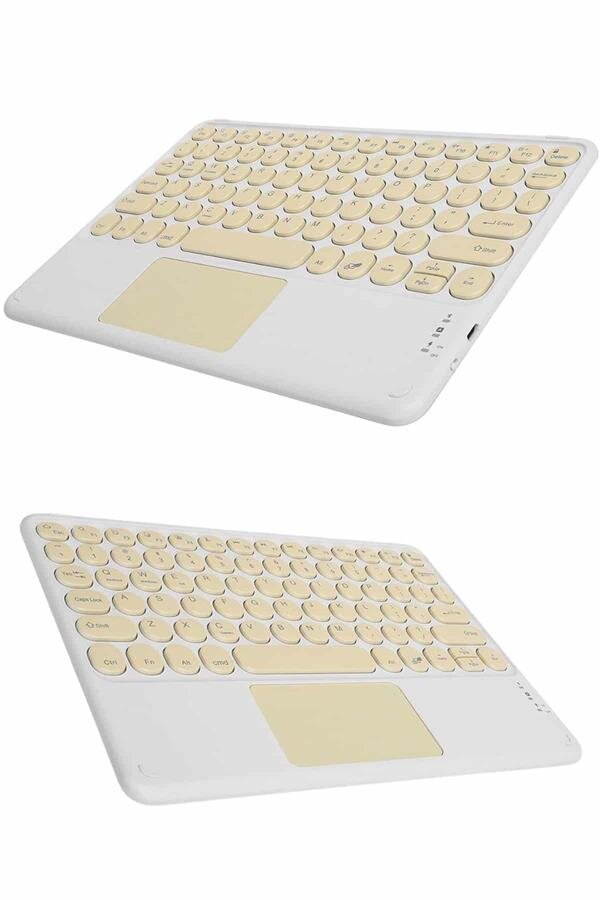
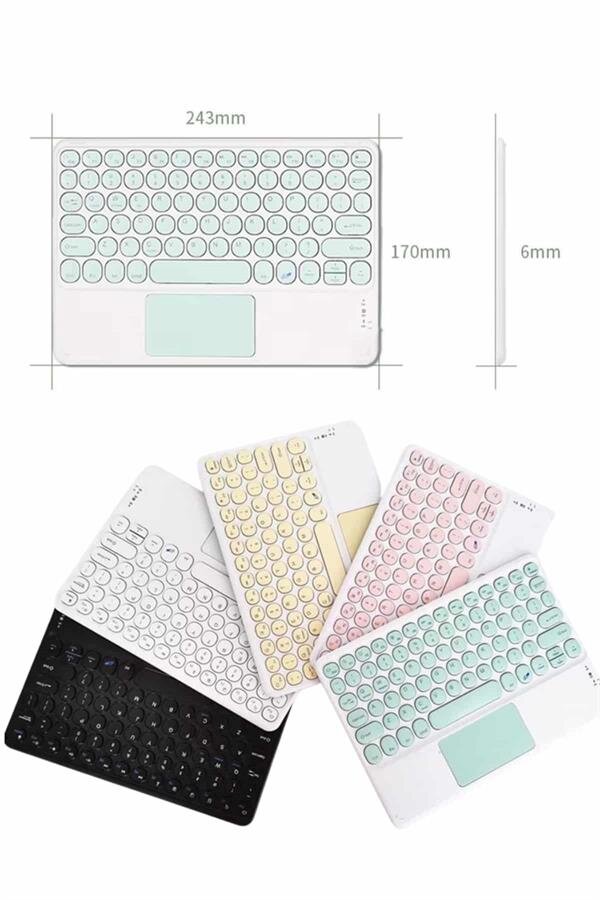
To easily connect your wireless keyboard, follow these steps:1️⃣ Turn on the Bluetooth feature on your device.2️⃣ Put the Bluetooth keyboard in the ON position.3️⃣ Press and hold the Fn key, and press the C key (Connect).4️⃣ Your tablet or phone will see the name “Bluetooth Keyboard,” complete the pairing.5️⃣ Once connected, your device will automatically recognize the keyboard. With these simple steps, you can use your device like a computer, freeing yourself from the limitations of a touchscreen and typing much faster.
Frequently Asked Questions
What devices is this keyboard compatible with, and for whom is it ideal?
With Bluetooth and Wi-Fi support, it works with tablets, phones, and all other devices. It’s ideal for those who want a faster typing experience by getting rid of the limitations of the touchscreen. Orders placed before 16:00 on weekdays are delivered on the same day.
How can I connect the keyboard to my device?
Turn on your device’s Bluetooth, set the keyboard to ON position. Hold the Fn button and press C. Pair with the device that appears as “Bluetooth Keyboard”. It is delivered as a genuine product under Northcity guarantee, with free shipping.
Is the keyboard assembly easy? What steps should I follow?
The steps are simple: hold the Fn key and press C, then select 'Bluetooth Keyboard' in the device settings. It will be automatically recognized after pairing. You can try it with no restrictions for 14 days, giving you peace of mind.